Teams Fundamentals
Navigate Teams, use chat, presence, conversations, search, settings, and core collaboration features.
Duration: 1 day
Price: $199

Microsoft Teams Training
Microsoft Teams classes for chat, meetings, channels, file collaboration, apps, notifications, and productive teamwork in Microsoft 365.
About the Training
Classes are designed for real-world business use and can be customized by skill level, department, job role, business goal, or project need.
Training is available for individuals and groups and can be delivered virtually or on-site.
Microsoft Teams Classes
Navigate Teams, use chat, presence, conversations, search, settings, and core collaboration features.
Duration: 1 day
Price: $199
Create and manage teams and channels, use posts, tabs, files, mentions, and channel-based collaboration.
Schedule and join meetings, manage participants, share content, use breakout rooms, recordings, captions, and meeting options.
Work with files in Teams, SharePoint, and OneDrive; coauthor documents and manage versions and permissions.
Use Planner, Forms, Lists, Approvals, Whiteboard, and other integrated apps inside Teams.
Notifications, permissions, meeting roles, guest access concepts, shared channels, and best practices for team organization.
Course Topics
Courses can be customized for introductory, intermediate, or advanced audiences.
Training Options
Testimonials
“Mike was great. The class was fantastic! It was very hands on and engaging and kept me interested and focused the entire time.” — Carl A.
“Mike Green is an exemplary instructor for the course! Wide decades of knowledge and a great personality.” — Donna G.
“Love his teaching style. He was organized, well prepared and patient. The learning material was very helpful.” — Mel K.
Certification
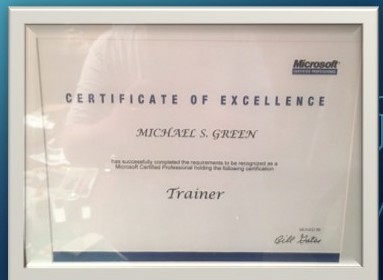
Professional training backed by decades of instructional and consulting experience.
Contact
Contact Michael S. Green for availability, customized training options, and pricing.